 Lifebase
Daily tarot
A small ritual at the start of the day: one card, a reading, and something to carry with you. Lifebase includes the 78-card deck’s knowledge notes and a skill that draws and records today’s card.
Draw today’s card
Section titled “Draw today’s card”What's my card for today?You can ask directly, or let today’s planning workflow continue into tarot once the schedule is ready. The draw is random, including upright or reversed orientation. The agent reads the card’s meaning and writes a short interpretation; it does not choose a card to fit your plans.

The Empress · Reversed
Let some of that care reach you, too.
The Empress speaks to nourishment, creativity, and the things that grow with attention. Reversed, that generosity may be flowing outward while your own needs wait. Make room to receive care, enjoy something beautiful, or tend an idea before asking it to produce anything.
Keep the reading with the day
Section titled “Keep the reading with the day”The journal holds the card image, its name and orientation, and the reading. A link opens the card’s knowledge note; the monthly journal can collect the cards drawn across the month. Your diary stays yours, and the reading does not rearrange fixed appointments.
If today’s card already exists, the agent uses it again. Ask explicitly if you want a new draw. You can also ask what an image or symbol means without replacing the card.
See it on your phone
Section titled “See it on your phone”Install the Daily Tarot Android app to see today’s card and reading from your journal on your phone and in a home screen widget.
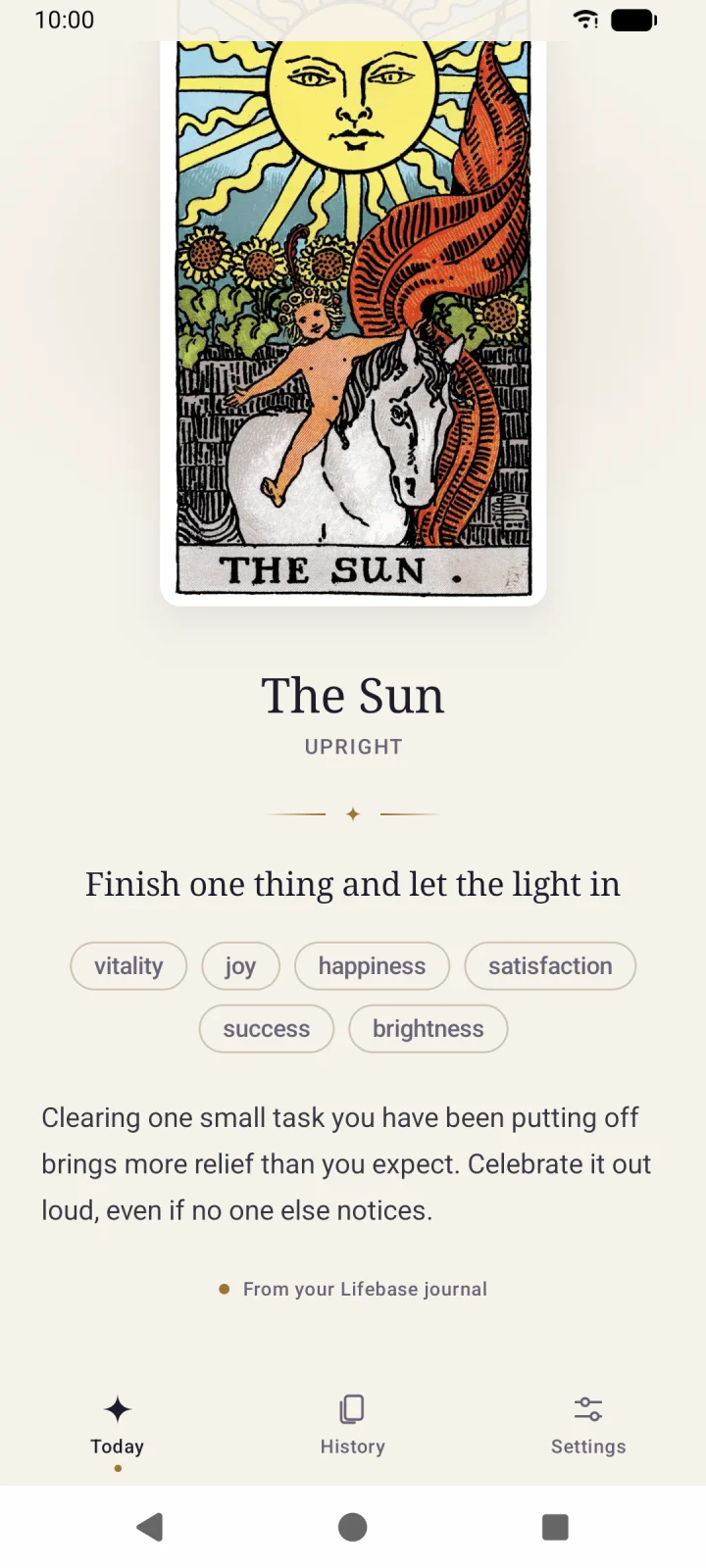
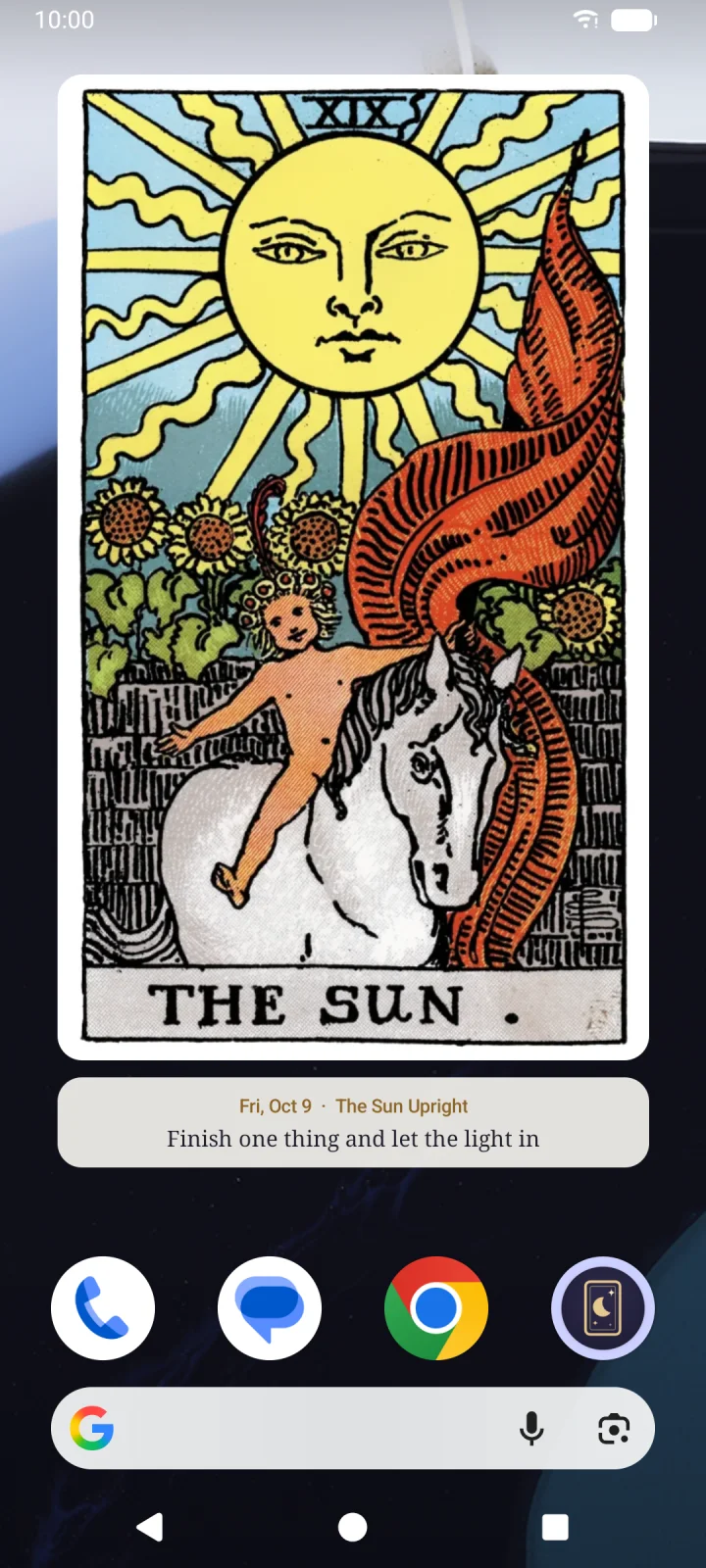
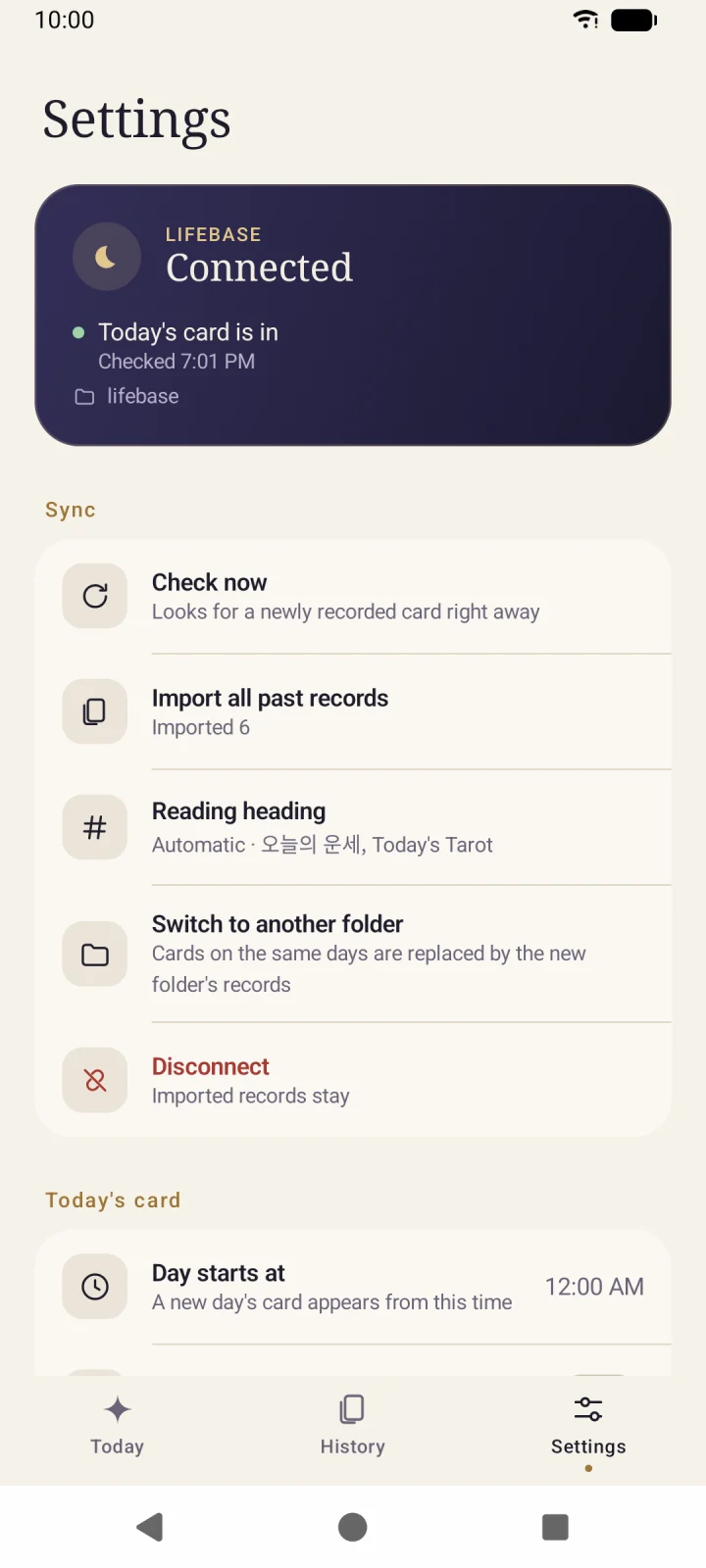
Download the latest APK from GitHub Releases and install it. It needs Android 7.0 or later, and the first install asks you to allow apps from unknown sources.
In the app’s settings, choose the Lifebase folder synced to your phone, and the card and reading from your journal appear in the app and widget as written. The app only reads the folder, and from each journal note it reads only the card and the reading section. To keep the folder on your phone, see Using multiple devices. The app can also draw a card a day without Lifebase; the app guide has the details.
Images and offline use
Section titled “Images and offline use”Card images load from Lifebase’s static website. Displaying an uncached image needs an internet connection; the draw, card notes, and saved text remain local. Existing local card images and their journal links can stay in older vaults.
Use a reading as a moment of reflection, not a guaranteed prediction. For the rest of the day’s record, continue with journal wrap-up.